






🎒 GlowBag 5X-B — LED Smart Backpack
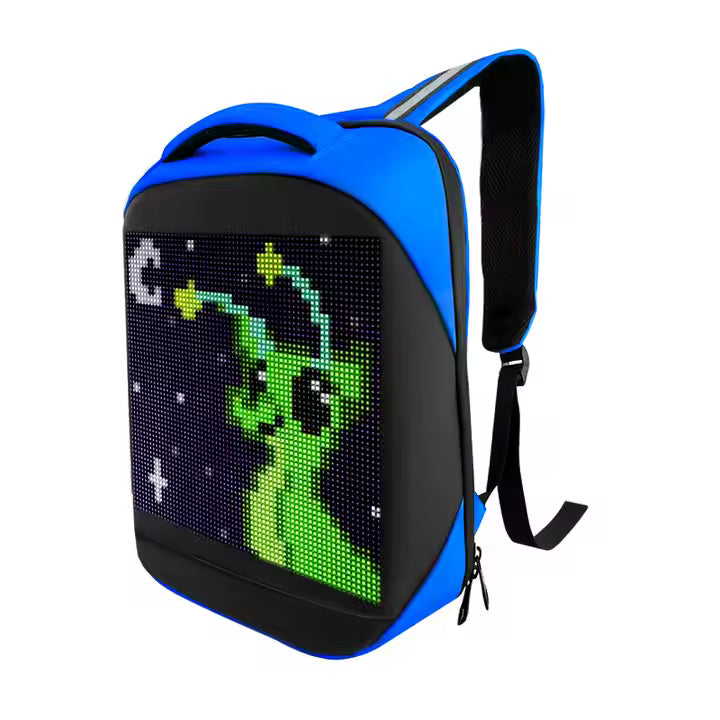
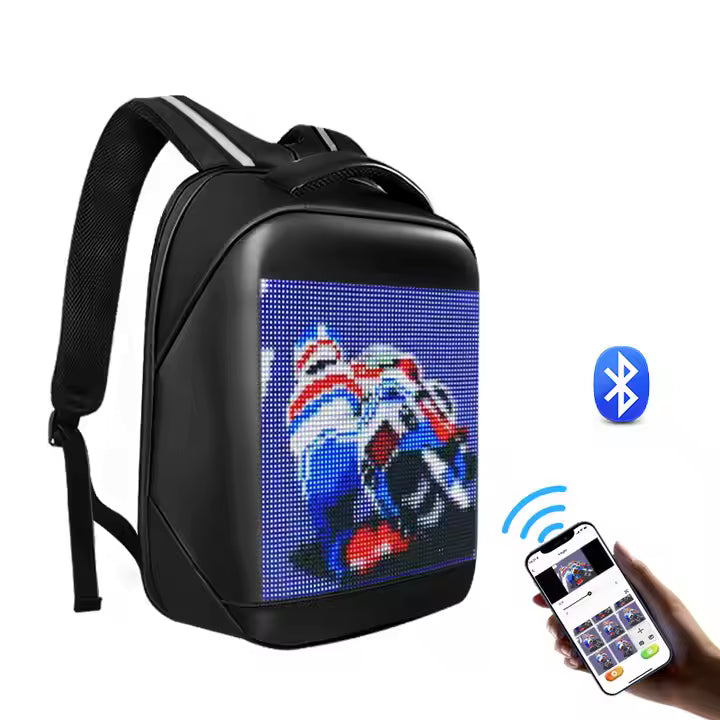
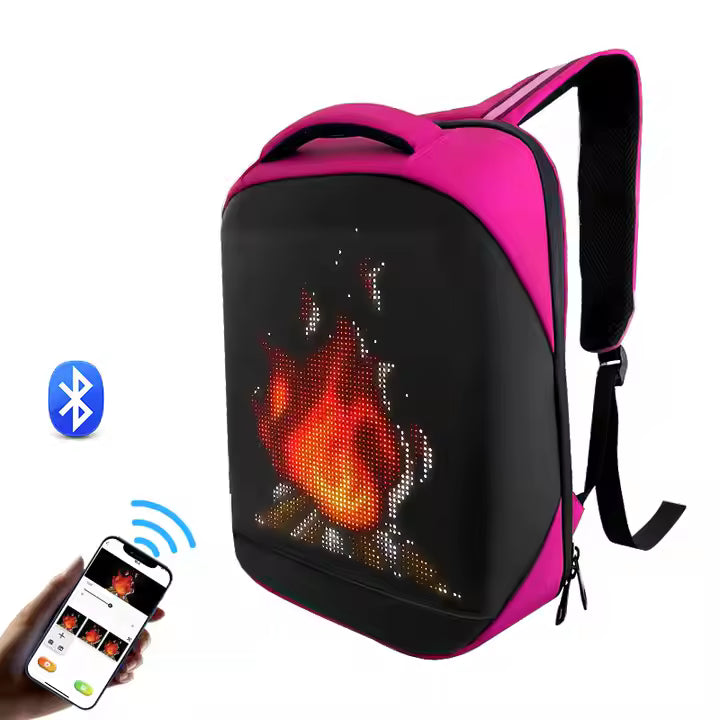
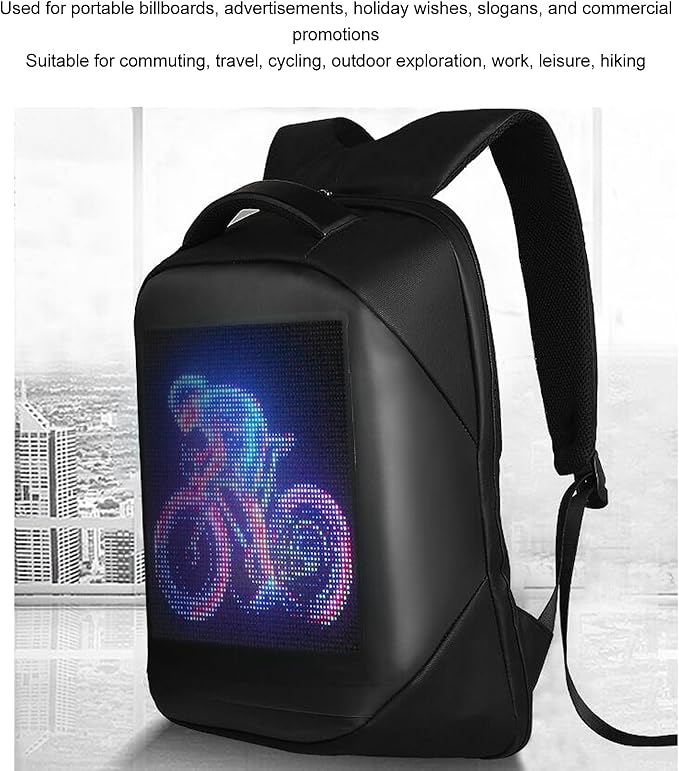
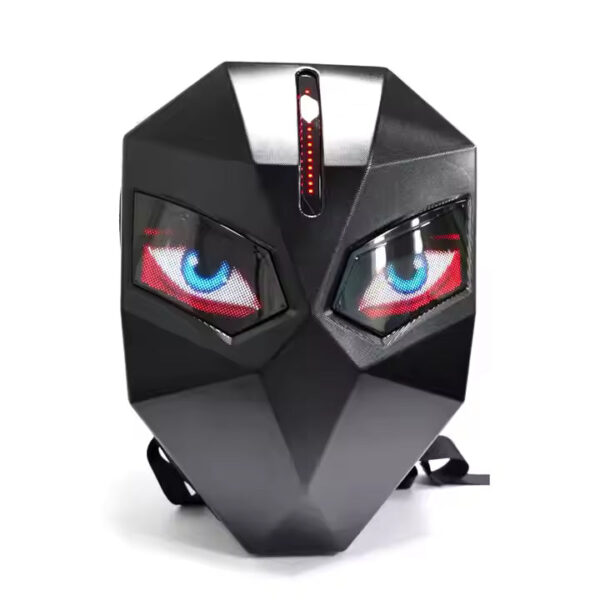
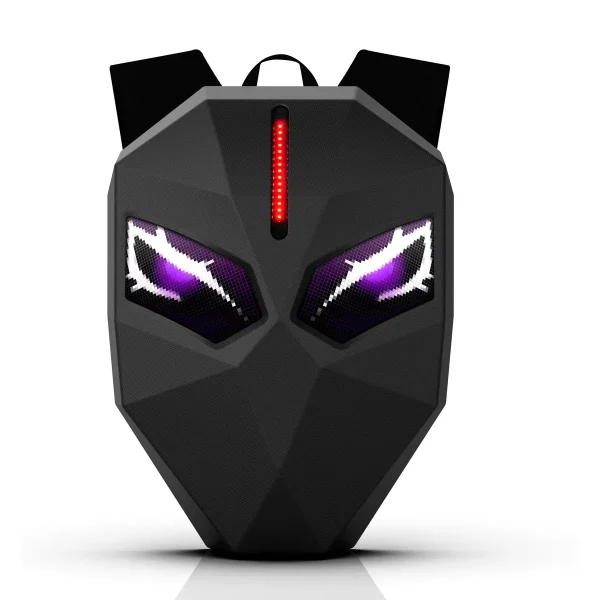
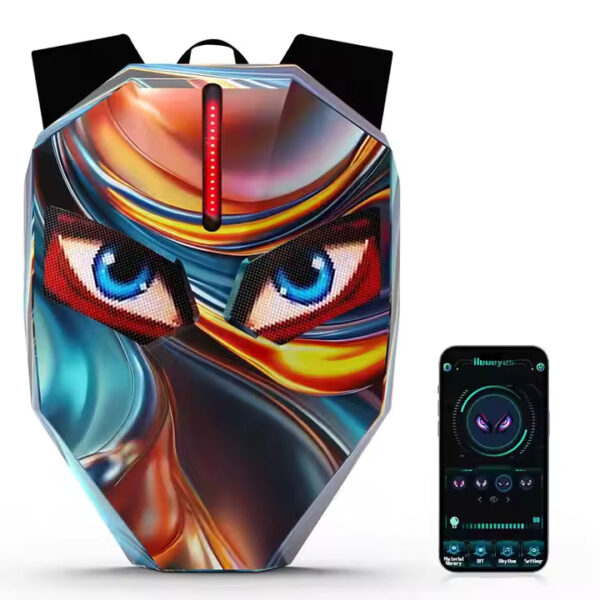
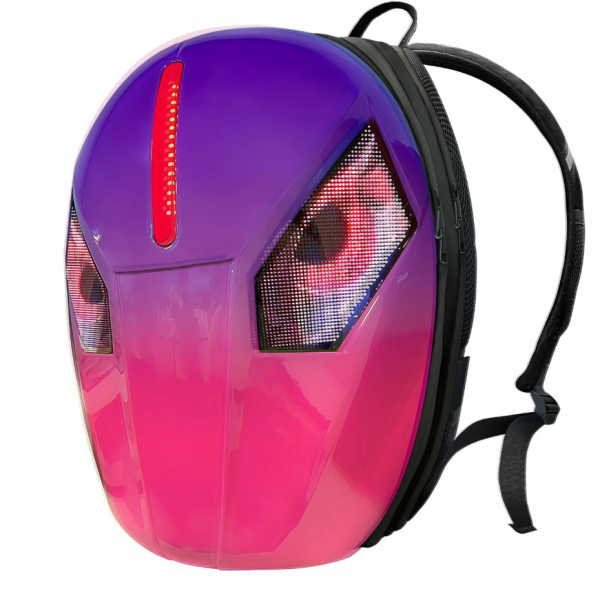
A smart backpack with a full-color LED screen on the front — display your name, messages, drawings and animations, all controlled from a simple mobile app in seconds.
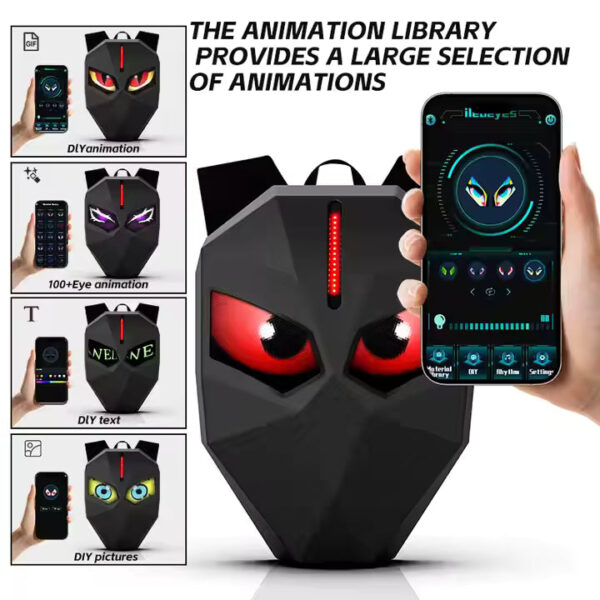
- 🎨 Full-color LED display — text, animations, pictures and even a live clock
- 📱 Easy control via the free mobile app — no tech skills needed
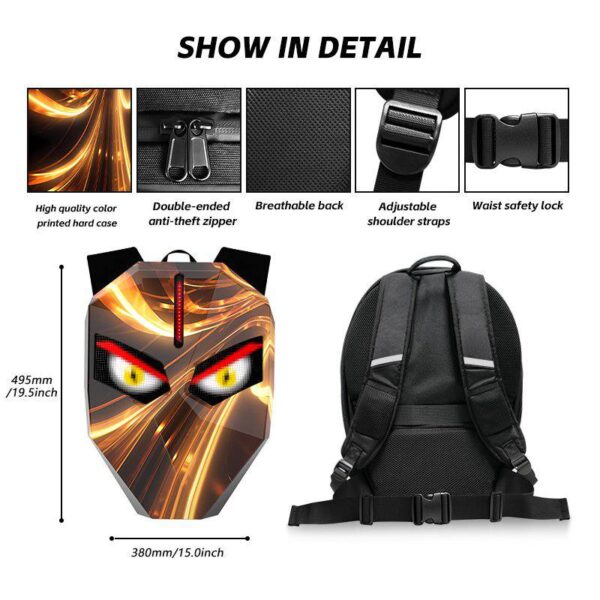
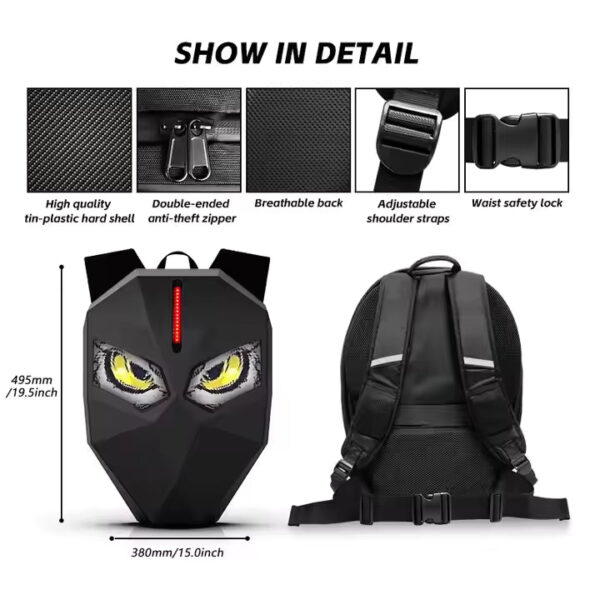
- 🎒 Lightweight and comfortable — built for daily commutes, campus, travel and events
- 🔋 Powered by a USB power bank (included)
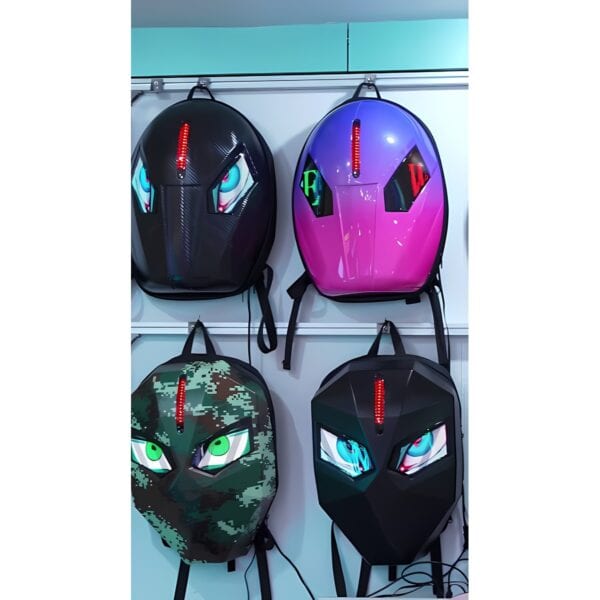
- 🌈 Available in 5 colors: Black, Light Blue, Light Pink, Light Purple, Peach Red
📹 Watch the Full Setup Video
A complete step-by-step walkthrough — connecting the bag, installing the RHX Plus app, and sending your first message to the screen.
📱 How to Use Your GlowBag — Quick Setup Guide
You’ll need: the backpack, a USB power bank, and the free control app.
1. Download the app
- Scan the QR code inside the box, or search “RHX Plus” on Google Play / App Store (the app may appear as LEDPro).
- Android: allow all permissions during installation.
- iPhone: Settings → RHX Plus → Wireless Data → select WLAN.
2. Power on
- Plug the bag’s USB cable into a power bank — the LED screen lights up.
3. Connect your phone
- Turn OFF mobile data.
- Open Wi-Fi and connect to the network starting with “RHX” — password: 112233kk
4. Set up in the app
- Open the app → tap Find → then Read Setting (if a message pops up, tap Yes).
5. Create & send
- Type your text, then choose font, size, color, speed and direction.
- Tap Send → “Send Success” → your design appears instantly on the bag! 🎉
Cool features
- Multi-line text: press Enter for a new line, reduce font size (~26) and choose Static mode.
- Rotate the display: 0° / 90° / 180° / 270°.
- Save up to 255 designs in the app.
- Add pictures, animations and a live clock with the + button.
Quick fixes
- Screen stays black after Read Setting? Open the image list (☰ top-left) → delete the black image (red circle) → tap Send again.
- App can’t find the bag? Make sure mobile data is OFF and you’re connected to the RHX Wi-Fi.
🎒 حقيبة GlowBag 5X-B الذكية بشاشة LED
حقيبة ظهر ذكية بشاشة LED ملوّنة في الواجهة — اعرض الاسم أو أي رسالة أو رسمة أو رسوم متحركة، وتحكّم بكل شيء من تطبيق بسيط على الهاتف خلال ثوانٍ.
- 🎨 شاشة LED ملوّنة بالكامل — نصوص، رسوم متحركة، صور وحتى ساعة حية
- 📱 تحكّم سهل عبر التطبيق المجاني — بدون أي خبرة تقنية
- 🎒 خفيفة ومريحة — مثالية للمدرسة والرحلات والطلعات
- 🔋 تعمل بباور بانك USB (مرفق مع الحقيبة)
- 🌈 متوفرة بـ 5 ألوان: أسود، أزرق فاتح، وردي فاتح، بنفسجي فاتح، أحمر خوخي
📱 طريقة استخدام حقيبة GlowBag — دليل الإعداد السريع
ستحتاج إلى: الحقيبة + باور بانك USB + التطبيق المجاني.
1. حمّل التطبيق
- امسح رمز QR الموجود داخل العلبة، أو ابحث عن “RHX Plus” في Google Play / App Store (قد يظهر التطبيق باسم LEDPro).
- أندرويد: امنح التطبيق جميع الأذونات عند التثبيت.
- آيفون: الإعدادات ← RHX Plus ← البيانات اللاسلكية ← اختر WLAN.
2. شغّل الشاشة
- وصّل كابل USB الخاص بالحقيبة بالباور بانك وستضيء شاشة LED مباشرة.
3. اتصال الهاتف
- أغلق بيانات الهاتف (الداتا) أولاً.
- افتح Wi-Fi واتصل بالشبكة التي تبدأ بـ “RHX” — كلمة المرور: 112233kk
4. الإعداد داخل التطبيق
- افتح التطبيق ← اضغط Find ← ثم Read Setting (إذا ظهرت رسالة اضغط Yes).
5. صمّم وأرسل
- اكتب النص واختر الخط والحجم واللون وسرعة الحركة واتجاهها.
- اضغط Send ← تظهر “Send Success” ويظهر تصميمك فوراً على الحقيبة! 🎉
مزايا إضافية
- كتابة عدة أسطر: اضغط Enter لسطر جديد، صغّر الخط (حوالي 26) واختر وضع Static.
- تدوير الشاشة: 0° / 90° / 180° / 270°.
- حفظ حتى 255 تصميماً داخل التطبيق.
- إضافة صور ورسوم متحركة وساعة عبر زر +.
حلول سريعة
- الشاشة سوداء بعد Read Setting؟ افتح قائمة الصور (☰ أعلى اليسار) ← احذف الصورة السوداء (الدائرة الحمراء) ← اضغط Send من جديد.
- التطبيق لا يجد الحقيبة؟ تأكد أن الداتا مغلقة وأنك متصل بشبكة RHX.

Reviews
There are no reviews yet.